
- 25 Views
How to Create a Custom Theme in Drupal from Scratch
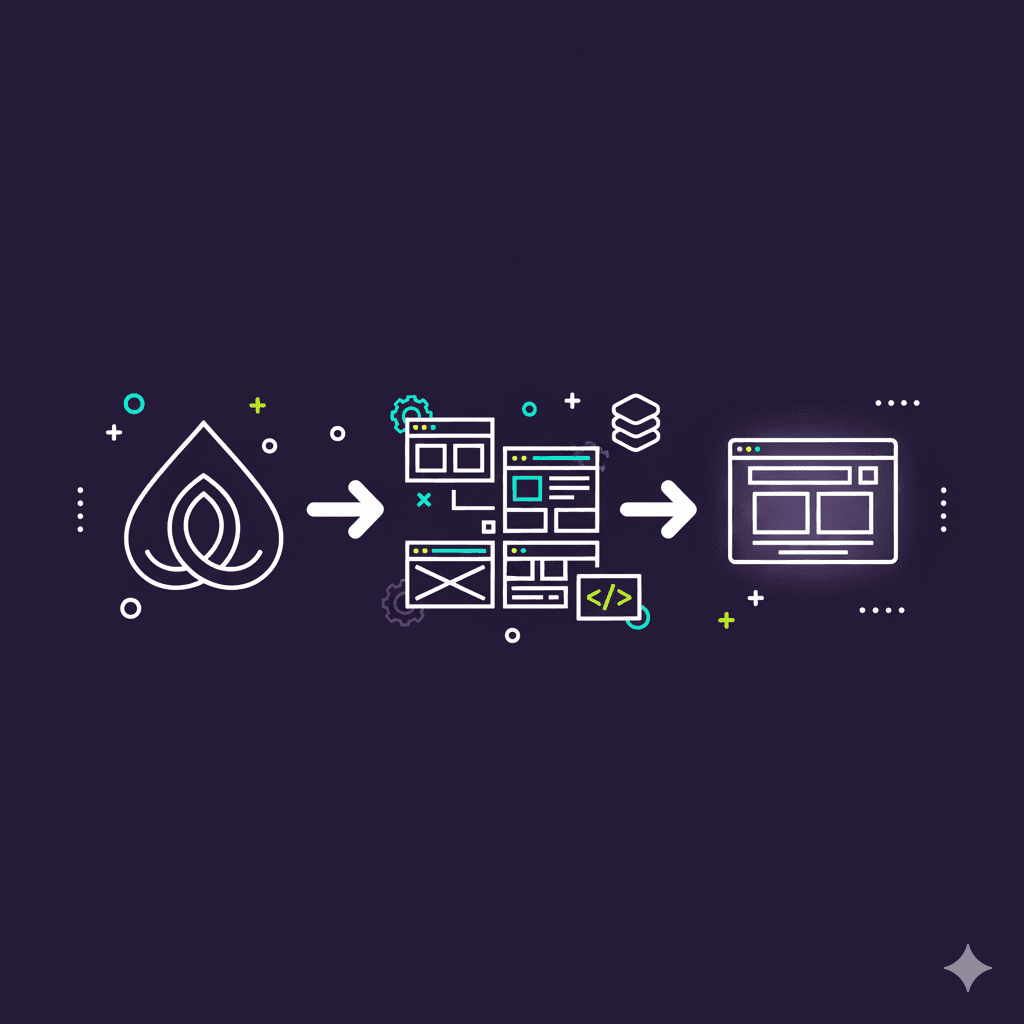
Creating a custom Drupal theme allows developers to fully control the look, feel, and layout of a Drupal website. While Drupal provides default themes, building a custom theme from scratch is essential for unique branding and custom functionality. In this post, we will go step by step through the process of creating a custom Drupal theme, including defining theme structure, adding templates, using Twig for dynamic content, incorporating libraries, and best practices for maintainability and performance.
Understanding Drupal Theme Structure
A Drupal theme consists of a structured set of files, including info.yml, libraries.yml, templates, CSS, and JS files. The `info.yml` file defines the theme name, regions, libraries, and base theme if any. Understanding this structure is crucial before starting a custom theme.
1name: CustomTheme
2type: theme
3description: 'A custom Drupal theme built from scratch'
4core_version_requirement: ^9 || ^10
5libraries:
6  - customtheme/global-styling
Theme Structure Key Points:
- info.yml: defines theme metadata and libraries
- libraries.yml: declares CSS and JS assets
- templates/: contains Twig template files
- css/ and js/: store custom styles and scripts
Creating the Theme Folder and Files
Create a folder under `/themes/custom/customtheme` and add the essential files: `customtheme.info.yml`, `customtheme.libraries.yml`, and `theme-settings.yml` if needed. Also, create subfolders for `css`, `js`, `templates`, and `images`.
1mkdir -p themes/custom/customtheme/{css,js,templates,images}
2touch themes/custom/customtheme/customtheme.info.yml
Folder & File Tips:
- Follow Drupal naming conventions (lowercase, no spaces)
- Organize assets in dedicated folders
- Keep files modular for maintainability
Adding Styles and Scripts
Define your CSS and JS in the `libraries.yml` file. Then attach them globally or per template. This allows you to manage dependencies and maintain consistent styling across your theme.
1global-styling:
2  css:
3    theme:
4      css/style.css: {}
5  js:
6    js/script.js: {}
Asset Management Tips:
- Use libraries to manage CSS/JS dependencies
- Attach assets only when needed to improve performance
- Minify CSS and JS for production
Using Twig Templates
Drupal uses Twig as its templating engine. Templates define HTML structure and allow dynamic rendering of content. Override default templates to customize node, page, block, and views layouts.
1<!-- templates/page.html.twig -->
2<div class="site-wrapper">
3  {{ page.header }}
4  {{ page.content }}
5  {{ page.footer }}
6</div>
Twig Tips:
- Use Twig variables for dynamic content
- Avoid heavy logic inside templates
- Create template suggestions for custom layouts
- Use `|escape` to prevent XSS vulnerabilities
Adding Regions
Regions define areas in your theme where blocks or content can be placed. Declare regions in `info.yml` and reference them in your Twig templates to provide flexible layouts.
1regions:
2  header: 'Header'
3  content: 'Content'
4  sidebar: 'Sidebar'
5  footer: 'Footer'
Regions Best Practices:
- Define only necessary regions
- Use meaningful names
- Ensure proper placement in Twig templates
- Keep layouts responsive
Responsive and Mobile-First Design
Ensure your theme is mobile-friendly by using responsive CSS techniques, Flexbox, or CSS Grid. Test layouts across different devices and browsers. Mobile-first design improves accessibility and SEO performance.
1/* css/style.css */
2.site-wrapper {
3  display: flex;
4  flex-direction: column;
5}
6@media (min-width: 768px) {
7  .site-wrapper { flex-direction: row; }
8}
Responsive Design Tips:
- Use relative units (%, rem) instead of fixed px
- Leverage media queries for breakpoints
- Test across multiple devices and browsers
- Keep performance in mind when adding assets
Theme Recommendations
For scalable and maintainable Drupal themes, consider using a base theme like Classy or Olivero and extend it. Follow coding standards, keep CSS and JS modular, optimize images, and document your theme structure.
Recommendations:
- Use base themes to save time and ensure accessibility
- Follow Drupal coding standards
- Keep customizations modular for maintainability
- Document your theme structure for team collaboration
- Optimize performance with minified assets
Conclusion
Building a custom Drupal theme from scratch provides full control over your website’s appearance and behavior. By following best practices, leveraging Twig, managing assets with libraries, and ensuring responsive design, you can create a professional, maintainable, and scalable theme.
Key Takeaways:
- Understand theme structure before starting
- Organize files and folders logically
- Use Twig templates for dynamic content
- Follow best practices and optimize for performance
- Test responsive design across devices
References
Helpful resources for Drupal theming: